Buying Guide
How to Choose a PTZ Camera for Live Streaming
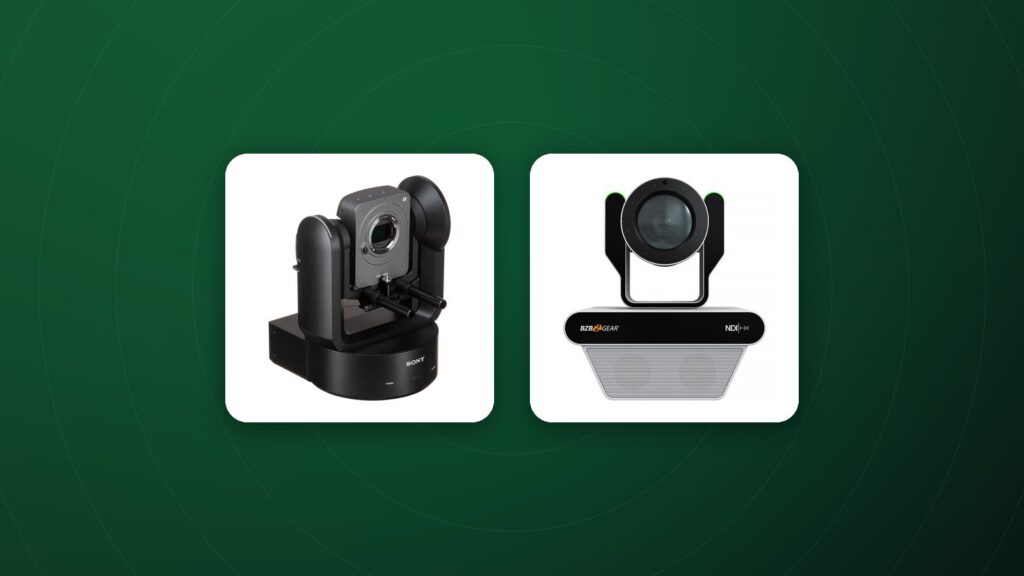
A PTZ camera for live streaming pans, tilts and zooms by remote control, so a single operator can cover a stage, classroom or conference from one desk. PTZ cameras are widely used by houses of worship, schools, corporate events and live production studios.
Optical zoom and room size
Match the optical zoom to the distance between the camera and the subject. Small rooms and meeting spaces may need around 12x; larger halls and stages often need 20x to 30x to capture tight shots from the back of the venue. Digital zoom crops the image and reduces quality, so focus on optical zoom.
Image quality and sensor
Larger sensors and good low-light performance matter in venues with stage lighting or dim conditions. Consider 1080p for most live streams and 4K when you need sharper images for large screens or recording.
Video outputs and connectivity
- NDI and IP streaming: send video, control and sometimes power over one network cable.
- SDI: reliable, locking connections over long cable runs.
- HDMI: simple connection to switchers and capture devices for shorter runs.
- USB: plug-and-play for video conferencing.
Control and presets
PTZ cameras can be controlled with joysticks, software or IP protocols. Presets store positions such as the pulpit, the choir or the presenter’s desk, so the operator can recall shots instantly. Smooth, slow movement speeds are important for on-air moves.
Power and installation
Power over Ethernet (PoE) simplifies installation by carrying power and data on one cable. Plan mounting positions with a clear line of sight and minimal backlight.
Auto-tracking
Some PTZ cameras offer auto-tracking that follows a presenter automatically, which is helpful when there is no dedicated operator.
Building a simple PTZ workflow
A typical setup includes PTZ cameras, a controller or software, a video switcher and a streaming encoder or computer. Audio from the venue’s mixing desk is fed into the switcher or encoder.
Lighting the venue
Even PTZ cameras with good low-light performance benefit from consistent front lighting on presenters. Avoid strong backlight from windows or screens behind the subject.
Frequently Asked Questions
Is NDI necessary?
Not always. It simplifies network-based workflows; SDI or HDMI may be simpler for small fixed setups.
How many PTZ cameras do I need?
Many venues start with two: one wide and one for close-ups, then add more angles over time.
Can I use PTZ cameras with streaming software?
Yes, through capture devices, NDI or USB, depending on the camera.
Can PTZ cameras record internally?
Most PTZ cameras output video to a switcher or recorder rather than recording internally.
Are PTZ cameras good for sports?
They can be, especially with fast, smooth control and good zoom range.
Shop PTZ cameras
Compare zoom ranges and outputs in our PTZ cameras collection, with full specs and 60-day returns on eligible items.