Buying Guide
Do You Need an On-Camera Monitor? A Buying Guide
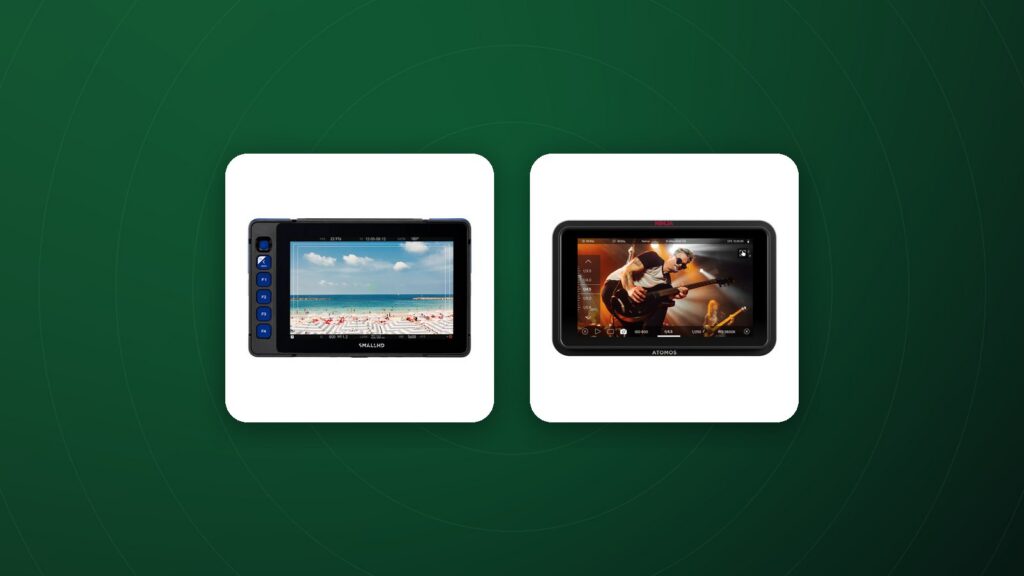
An on-camera monitor gives you a larger, brighter and more accurate view than the camera’s built-in screen. For video in particular, it makes nailing focus, exposure and framing much easier, especially outdoors or when the camera’s screen is hard to see.
When a monitor helps most
- Shooting in bright daylight where the camera screen is washed out.
- Pulling focus manually with cine or vintage lenses.
- Working with a director, client or focus puller who needs to see the shot.
- Rigging the camera high, low or on a gimbal where the camera screen is not visible.
Brightness
Brightness is measured in nits. Around 1,000 nits or more is generally considered daylight-viewable; lower-brightness monitors work well indoors and in the studio.
Screen size and resolution
Five- to seven-inch monitors are the most popular for on-camera use, balancing visibility and weight. Larger monitors suit directors and studio work. A higher-resolution panel helps judge critical focus.
Exposure and focus tools
Look for waveform, histogram, false colour and zebras for exposure, plus focus peaking and magnification for focus. LUT support lets you preview log footage with a corrected look.
Monitor-recorders
Some monitors also record higher-quality codecs from the camera’s video output, which can improve image quality for editing and grading. Check your camera’s output capabilities and the recorder’s supported formats and media.
Inputs, power and mounting
- HDMI vs SDI: match the inputs to your camera; SDI uses locking connectors favoured on professional sets.
- Power: camera-style batteries for small rigs, V-mount or Gold mount plates for larger builds.
- Mounting: a solid articulating arm or a camera cage keeps the monitor stable.
Colour accuracy and calibration
Accurate colour helps you judge skin tones and white balance on set. Some monitors support calibration with external probes, which is valuable for colour-critical work.
Touchscreens and workflow
Touchscreen controls make it quick to toggle tools such as false colour, focus peaking and LUTs. Some monitors also offer camera control functions for compatible cameras.
Frequently Asked Questions
Is an on-camera monitor worth it for beginners?
If you shoot video outdoors or use manual focus, yes. For casual photography, the built-in screen is usually enough.
What size monitor should I get?
Five to seven inches is the most common for on-camera use.
Can a monitor improve my video quality?
The monitor itself improves accuracy; a monitor-recorder can also record a higher-quality file from compatible cameras.
Do I need an SDI monitor?
Only if your camera or workflow uses SDI. HDMI is common for mirrorless cameras.
How bright should a monitor be for outdoor use?
Around 1,000 nits or more is generally recommended for daylight viewing.
Shop monitors
Compare brightness, size and features in our on-camera monitors collection, with full specs and 60-day returns on eligible items.