Buying Guide
How to Choose the Best Camera for YouTube Videos
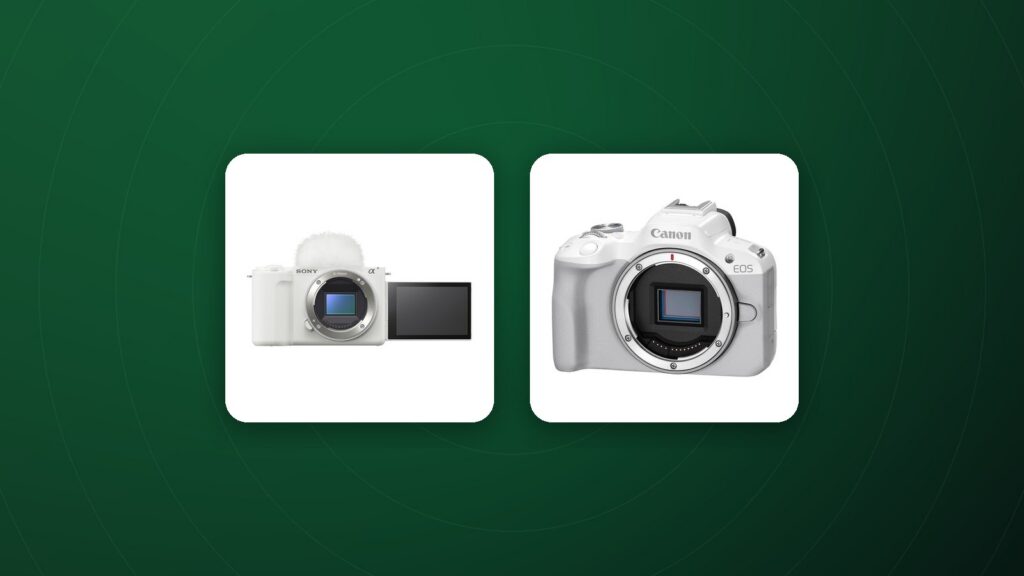
Choosing a camera for YouTube starts with how you plan to film. A desk-based talking-head channel needs different features from a travel vlog or an outdoor adventure series. This guide focuses on the features that make the biggest difference to your videos and your workflow.
Decide on your filming style first
- Talking head and tutorials: reliable face-tracking autofocus, clean 4K, unlimited or long recording time and good heat management.
- Vlogging and travel: a compact body, a flip-out screen, strong stabilisation and a wide lens.
- Product and studio videos: accurate colours, a camera that can run on external power, and support for a monitor or capture card.
Autofocus you can trust on camera
When you are both the presenter and the camera operator, autofocus has to work without your help. Look for face and eye detection that holds focus as you move and a “product showcase” or similar mode if you hold items up to the lens.
A screen that faces you
A fully articulating or flip-up screen lets you check framing and focus while recording yourself. It is one of the most practical features for solo creators.
Audio inputs: the most important upgrade
Viewers forgive slightly soft images far more easily than poor sound. Choose a camera with a 3.5 mm microphone input, and ideally a headphone output so you can monitor audio. An external shotgun or lavalier microphone will improve your videos more than almost any other upgrade.
Stabilisation for handheld shots
In-body image stabilisation (IBIS) and electronic stabilisation help when walking and talking. For very smooth movement, pair the camera with a gimbal stabilizer.
Resolution, frame rates and recording limits
4K at 24, 25 or 30 frames per second is the standard for most channels today. Higher frame rates such as 60 or 120 fps are useful for slow motion. Check whether the camera has recording time limits and how it handles heat during long takes.
The right lens for YouTube
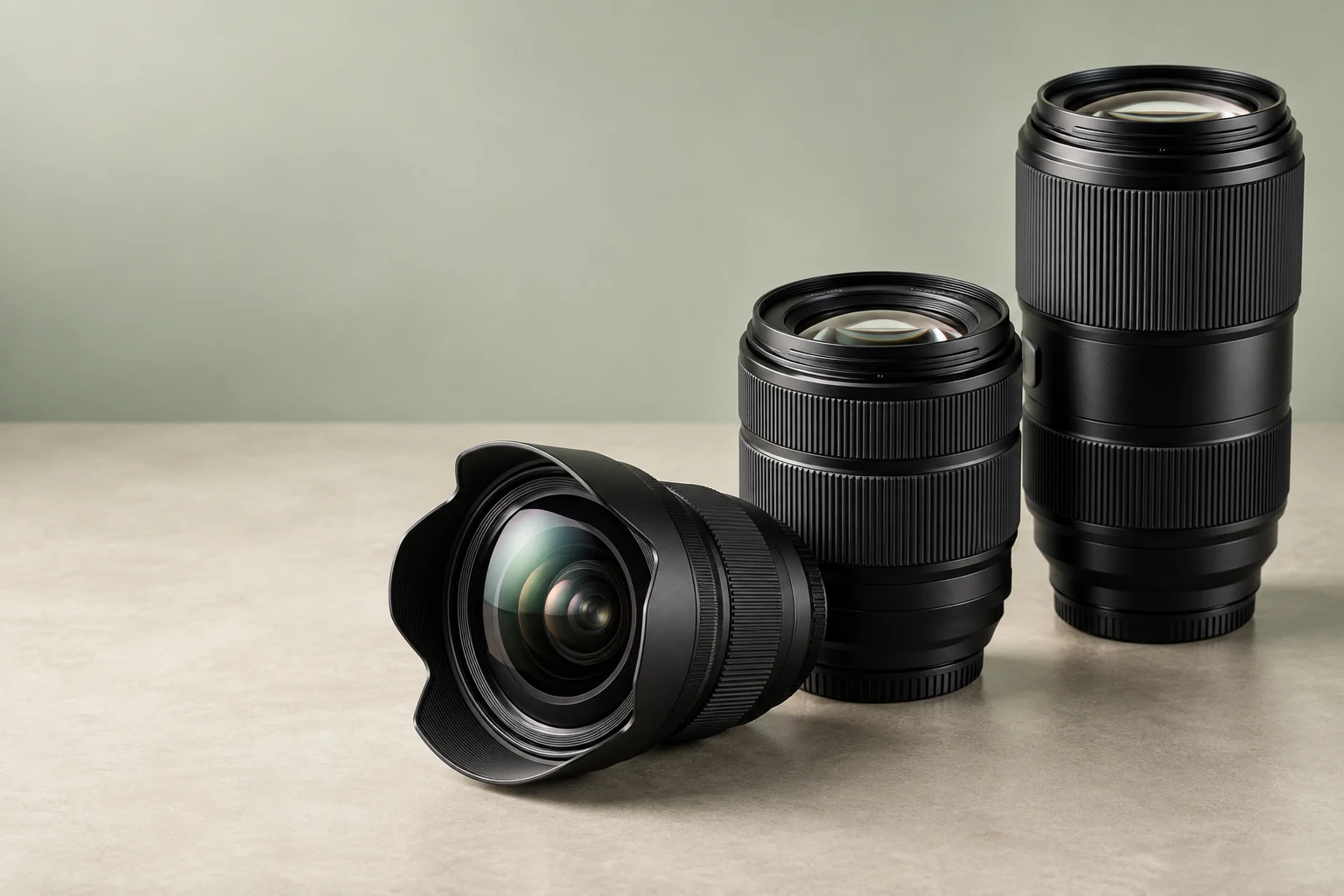
A wide lens, roughly 16 to 24 mm on full frame, lets you hold the camera at arm’s length and still fit yourself and your background in the frame. For desk setups, a standard zoom or a 24 to 35 mm prime gives a natural look. A wide aperture helps blur the background and separate you from the scene.
Accessories that make filming easier
- A sturdy tripod or desk stand.
- Soft, consistent lighting such as a key light with a diffuser.
- An on-camera monitor if your camera screen cannot face you.
- Spare batteries or an external power adapter for long recording sessions.
Lighting matters more than the camera
Good lighting makes an inexpensive camera look professional. Place a soft key light at about 45 degrees to your face, add a gentle fill on the other side, and separate yourself from the background with a small background light. Consistent lighting also keeps your videos looking the same from episode to episode.
Workflow and file handling
Think about how you will move footage from camera to computer. Fast memory cards, a reliable card reader and enough storage save hours every week. If you record long sessions, check whether the camera supports USB power delivery so you can run it continuously.
Live streaming
Many cameras can work as a webcam over USB or through a capture card via HDMI. Check for a clean HDMI output without on-screen overlays and whether the camera can run without shutting off during long streams.
Frequently Asked Questions
Can I start a YouTube channel with my phone?
Yes. A dedicated camera becomes worthwhile when you want better low-light quality, interchangeable lenses, background blur and proper audio inputs.
Do I need 4K for YouTube?
It is not required, but 4K gives sharper results and room to crop in editing.
What matters more, the camera or the microphone?
For most channels, the microphone. Clear audio keeps viewers watching.
Is a compact camera good for YouTube?
Yes, especially for vlogging and travel. Compact cameras are light and easy to carry, with good image quality and autofocus.
Should I record in 4K if I upload in 1080p?
Recording in 4K gives you room to crop and stabilise in editing while still delivering a sharp 1080p video.
Build your YouTube setup
Compare mirrorless cameras and compact cameras for creators, with full specs, tracked delivery and 60-day returns on eligible items.